What's New
Every version of Routisserie that adds or improves features gets a section here, newest first. Versions that only fix bugs (for example 1.0.1) are listed in the changelog instead. The version you are using is shown at the top of every page of this guide and in About Routisserie.
New features in 1.0.0
Version 1.0.0 is the first release of Routisserie, so everything in it is new. These are the capabilities you will use most, each with the page that explains it. From the next release on, this part of the guide will list only what changed.
One click plans the whole day
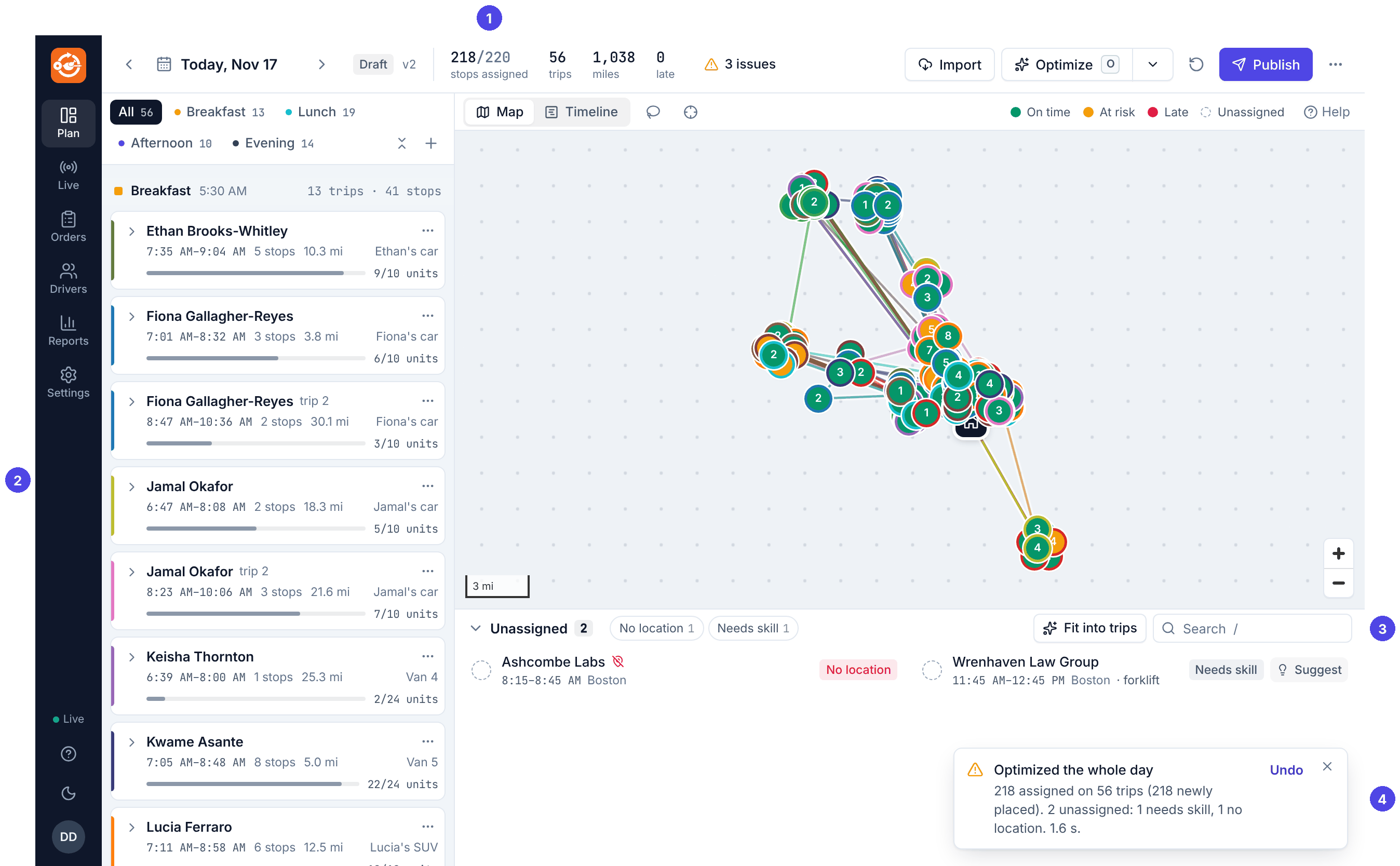
Optimize builds every trip of the day from the orders and the drivers on shift: who goes where, in what order and when, with several trips per driver across the Breakfast, Lunch, Afternoon and Evening waves. It respects delivery windows, vehicle capacity and skills, and it says why any stop could not be placed.
Read more: What Optimize does, Optimizing and unassigned stops.
A plan board you can change by hand
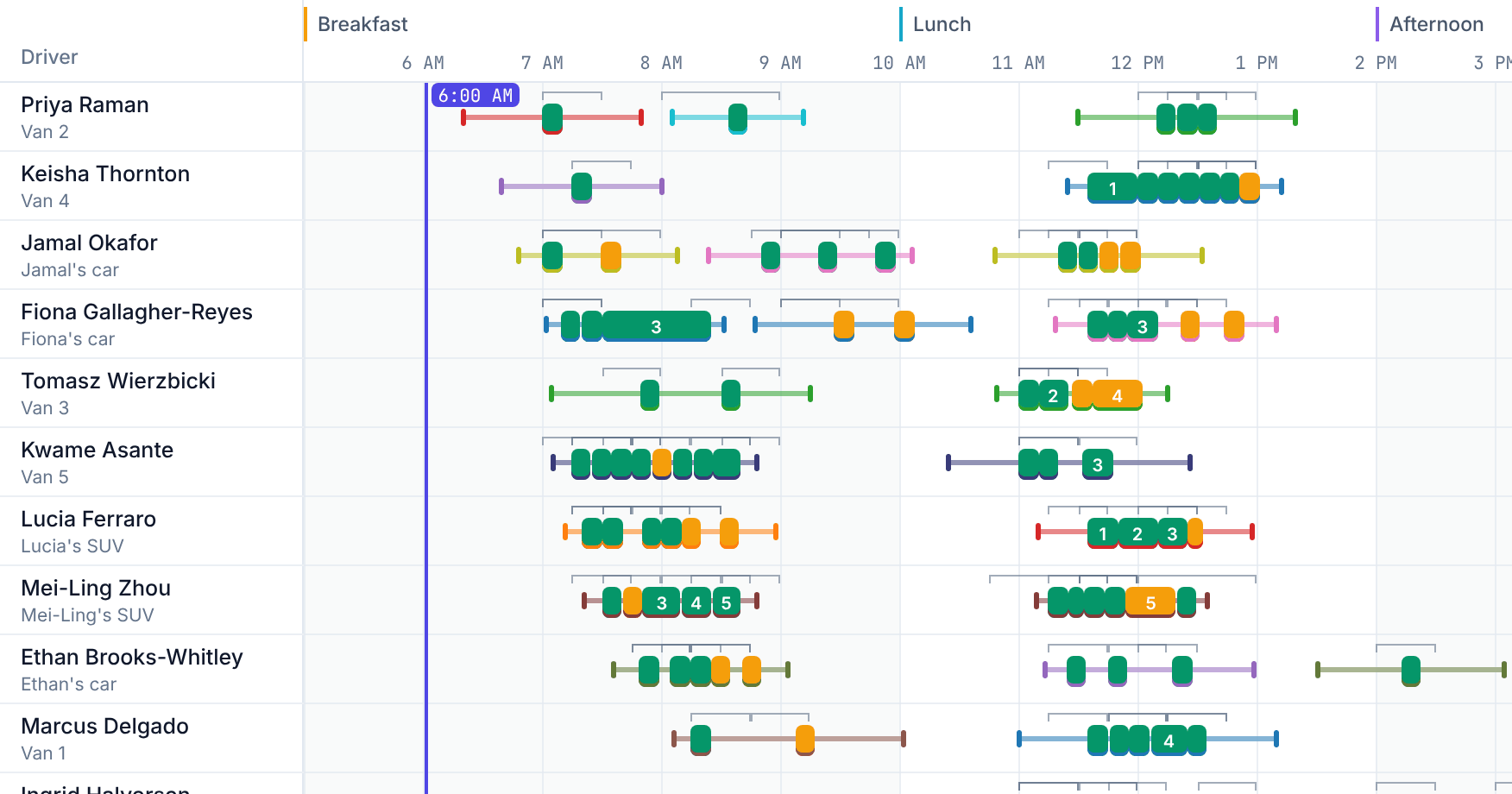
See the day on a map or a timeline, drag stops between trips, select several stops at once, lock what is right, and undo any change. Problems such as late stops, full vans or a double-booked vehicle are listed under Issues and never stop you from working.
Read more: The plan board, Changing trips by hand.
Live tracking with suggested fixes
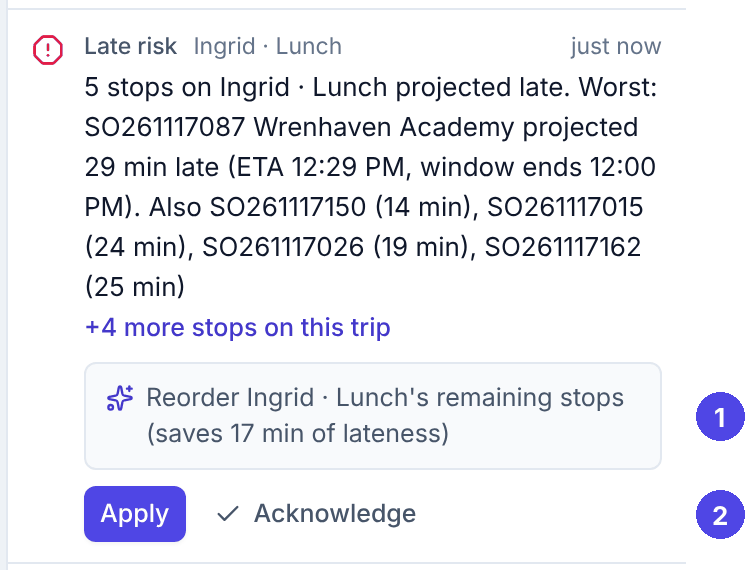
The Live screen shows where every driver is, live arrival times, and alerts ranked by urgency: a trip at risk of being late, a phone that stopped reporting, a trip that has not left. Many alerts come with a fix you apply in one click.
Read more: The Live screen.
A driver app that works without signal
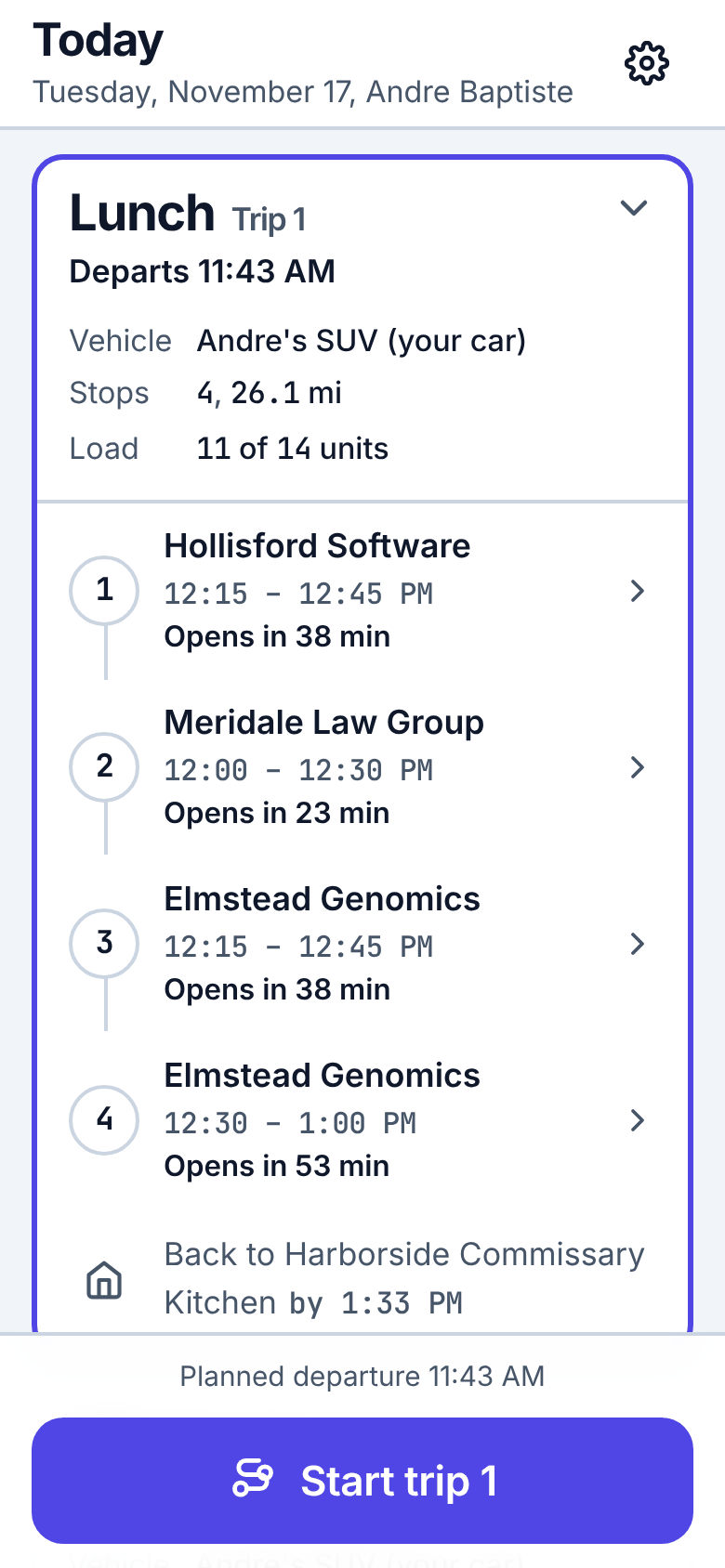
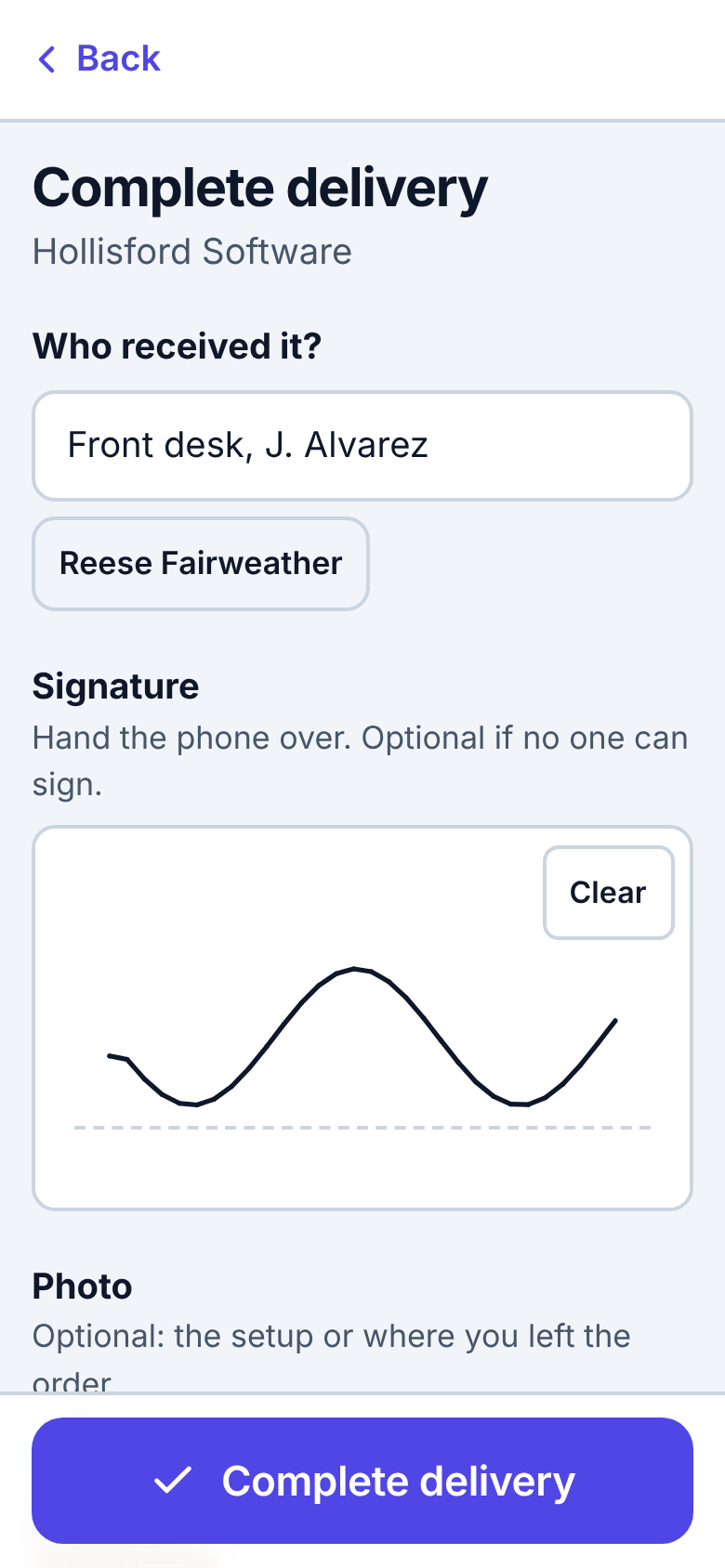
Drivers install Routisserie on their phone's home screen, sign in with their phone number and PIN, and work through their stops: navigate in Google Maps, Apple Maps or Waze, arrive, and complete with a name, signature and photo. Every tap is saved on the phone first, so a basement loading dock with no signal is not a problem.
Read more: Driver quick start, Driver guide.
NetSuite and spreadsheets in, assignments out
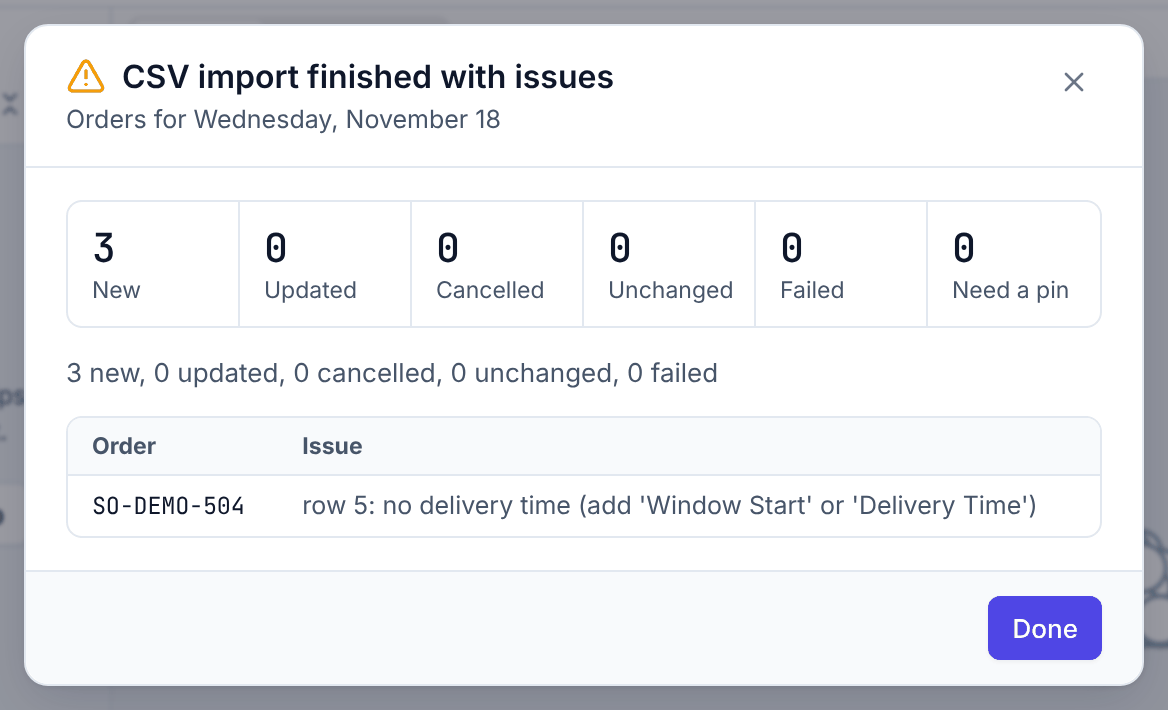
Import the day's sales orders from NetSuite or a CSV file. When you publish, each sales order gets its driver, vehicle, stop sequence, planned arrival and mileage written back.
Read more: Orders, Integrations.
A tracking link for your customers
Each order can have a private link that shows the customer the delivery window, whether the order is on its way and the expected arrival, under your company's name. It shows no addresses, phone numbers or driver location.
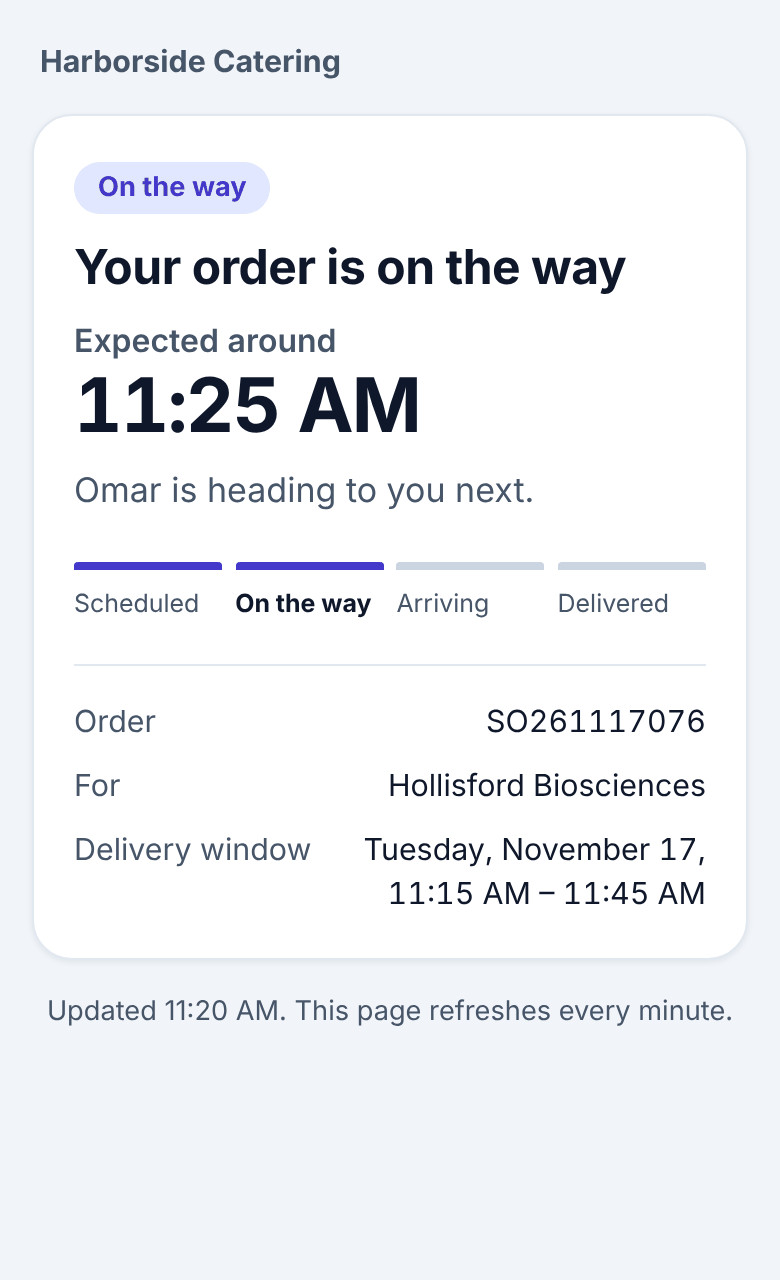
Read more: The customer tracking link.
Reports for mileage, performance and calibration
Mileage and reimbursement per driver (download or send to the reimbursement system), on-time performance by day, per-driver figures, and a calibration report that suggests better drive-time factors from what actually happened.
Read more: Reports.
Help in the app
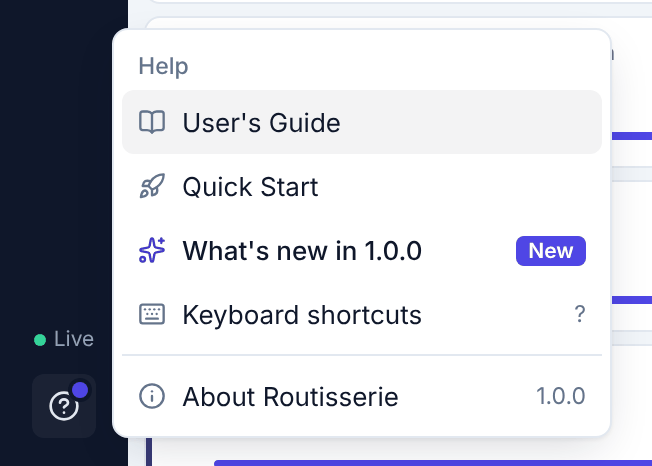
This guide is part of Routisserie. Open it from Help in the left-hand bar, from the small Help link on every screen, from the sign-in page, or from the driver app. A small dot on Help tells you when a new version has new features to read about.