
Keyboard shortcuts
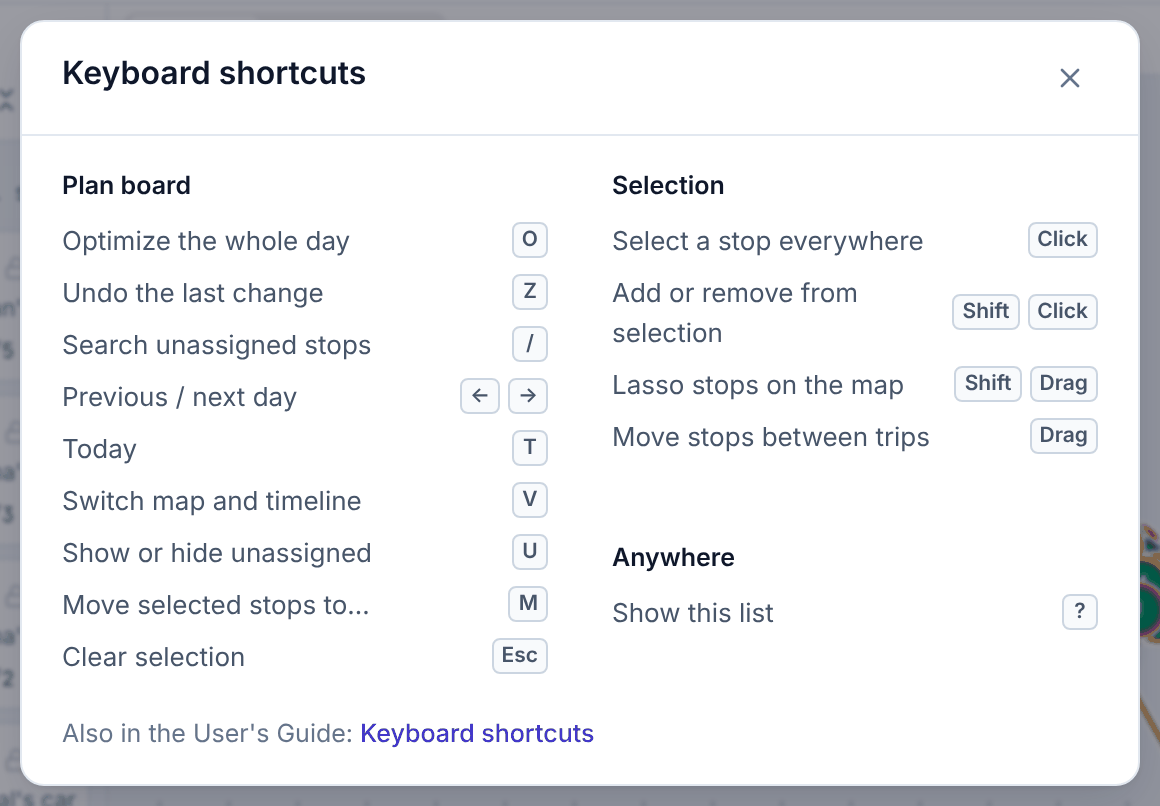
The dispatcher app can be driven from the keyboard. Press ? anywhere in the app to see this list. Shortcuts do nothing while you are typing in a box.
Plan board
| Keys | Does |
|---|---|
| O | Optimize the whole day |
| Z | Undo the last change |
| / | Search unassigned stops |
| ← → | Previous / next day |
| T | Today |
| V | Switch map and timeline |
| U | Show or hide the Unassigned list |
| M | Move the selected stops to… |
| Esc | Clear the selection (or close the stop panel) |
Selecting and moving
| Keys | Does |
|---|---|
| Click | Select a stop everywhere (list, map, timeline) and open its panel |
| Shift+Click | Add a stop to the selection, or take it out |
| Shift+Drag on the map | Lasso stops |
| Drag | Move stops between trips |
| Space or Enter on a stop, then arrows, then Space | Move a stop without a mouse; Esc cancels |
Other screens
| Screen | Keys | Does |
|---|---|---|
| Orders | / | Search orders |
| Orders | N | New order |
| Orders, Live | ← → | Previous / next day |
| Live | Esc | Close the driver card and clear the selection |
| Anywhere | ? | Show the shortcuts |
In this guide
| Keys | Does |
|---|---|
| / or Ctrl+K | Search the guide |
| Esc | Close a full-size screenshot |