Driver app settings
Tap the gear at the top right of Today.
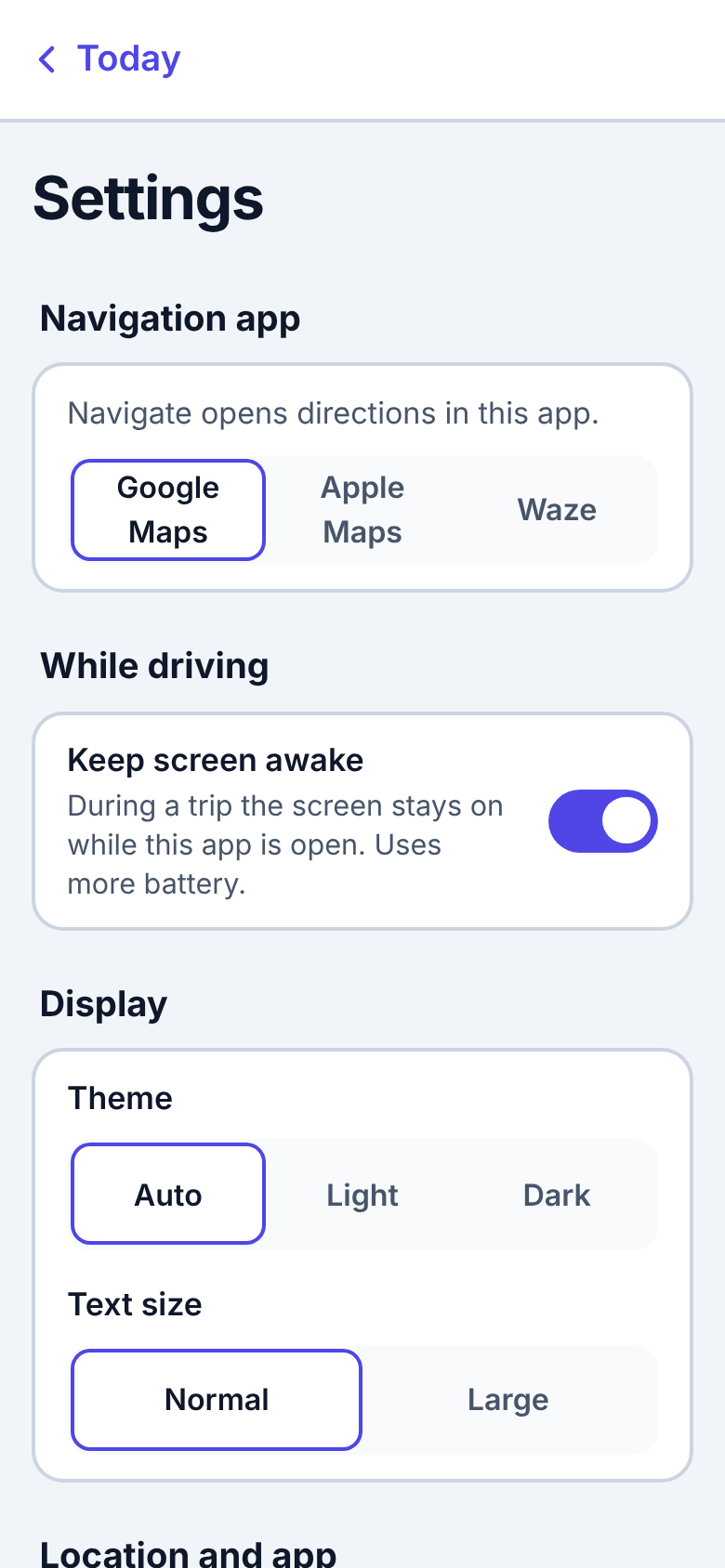
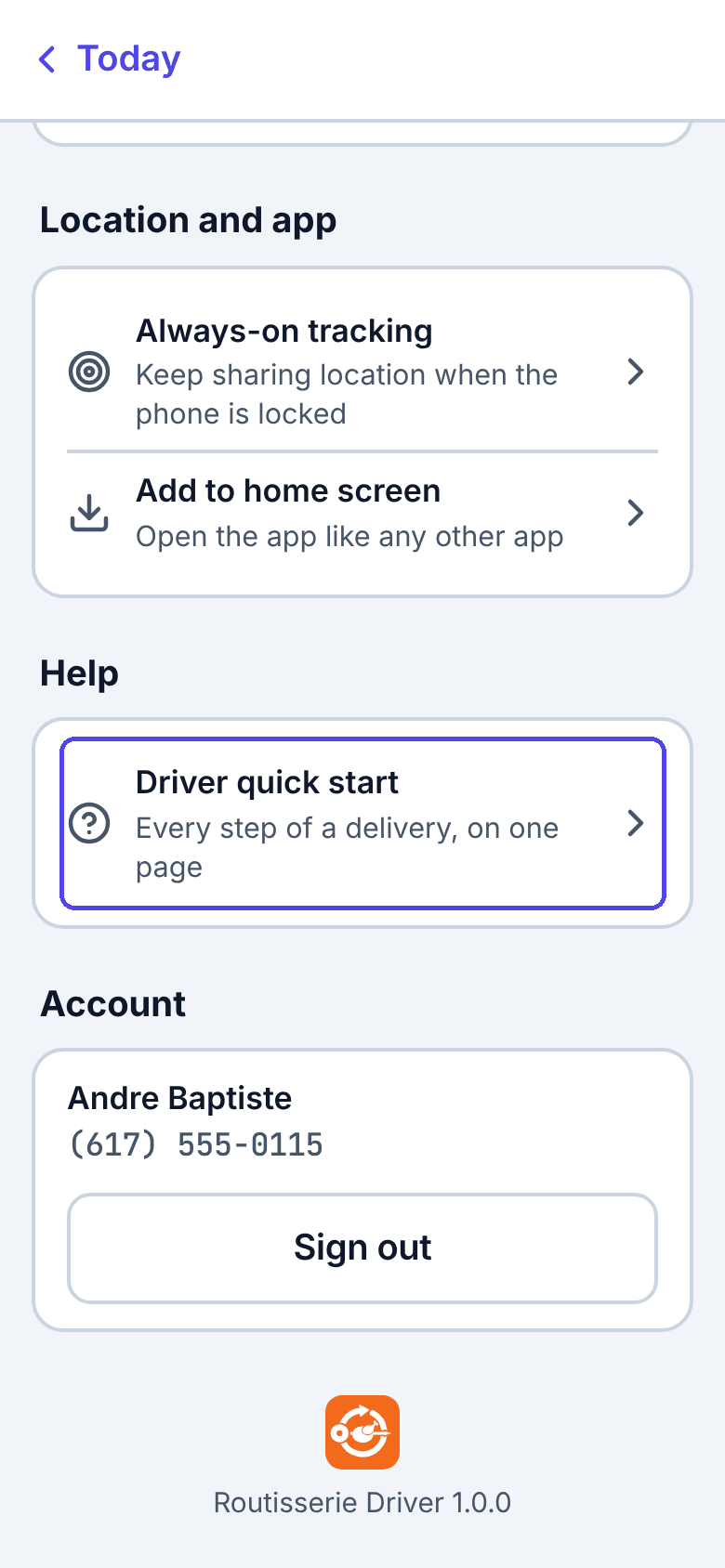
| Setting | What it does |
|---|---|
| Navigation app | Which app Navigate opens: Google Maps, Apple Maps or Waze. |
| Keep screen awake | During a trip, the screen stays on while the app is open. Uses more battery. If your phone cannot do this, the app says so: raise the auto-lock time in the phone's settings instead. The same switch is the Screen on button on Today during a trip. |
| Theme | Auto follows the phone, or Light / Dark. |
| Text size | Normal or Large. |
| Always-on tracking | See Always-on tracking. |
| Add to home screen | See Installing. |
| Help → Driver quick start | Opens the one-page Driver quick start. |
| Account | Your name and number, and Sign out. If updates are still waiting to be sent, the app tells you before signing out. |
The bottom of the page shows the app's version, for example Routisserie Driver 1.0.0. Tell dispatch this number if something goes wrong.
When the server has been updated, a bar at the top says A newer version of the app is available with Reload. Tap it between stops.