The dispatcher's day
This part of the guide follows the screens in the order you use them. If you are new, do the Quick Start first.
The dispatcher's day
Steps 3 to 5 can be repeated as often as you like until you publish. After publishing, every change reaches the drivers at once.
The screens
The bar on the left takes you to every screen. The day you are working on follows you from screen to screen.
| Button | Screen | Use it to |
|---|---|---|
| Plan | The plan board | Optimize, adjust and publish the day. |
| Live | The Live screen | Watch the trips on the road and act on alerts. |
| Orders | Orders | Import, type in, change, cancel orders; fix addresses. |
| Drivers | Roster, drivers and vehicles | Who works today, driver details and PINs, vehicles. |
| Reports | Reports | Mileage, on-time results, drivers, calibration. |
| Settings | Admin guide | Waves, planning defaults, live rules, integrations, users. |
At the bottom of the bar:
- the small Live dot is green when the screen receives updates as they happen. If it says Offline, the connection dropped; it reconnects by itself, and the screen still works.
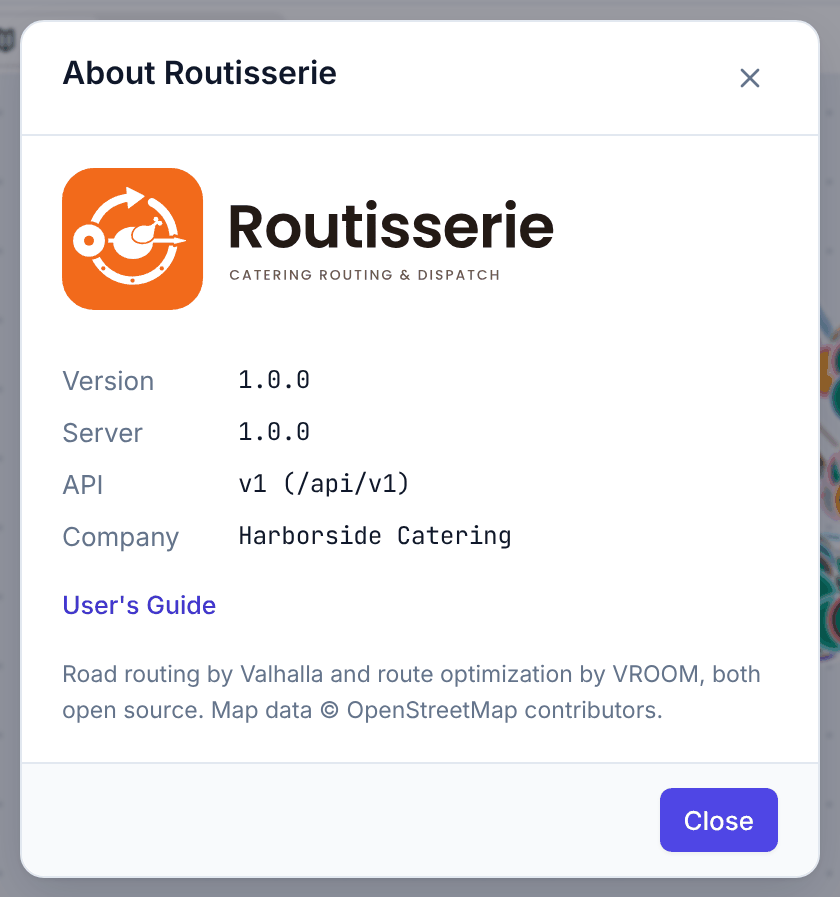
- ? opens the Help menu: this guide, the Quick Start, What's new, keyboard shortcuts and About Routisserie.
- the moon or sun switches between the dark and the light theme.
- your initials: your name and role, About Routisserie, and Sign out.
Each screen also has a small Help link at its top right that opens the matching page of this guide in a new tab.

Who can do what
- Dispatchers can do everything on these screens, and change waves.
- Viewers see everything and change nothing (buttons that would change something are greyed out).
- Admins can also change the planning defaults, live rules and users. See Users and roles.
When the app has been updated
After the server is upgraded, a thin bar at the top says A newer version is available with Reload. Click it when convenient; nothing is lost. If the new version adds features, a small dot appears on ? (1): open the menu and choose What's new. The dot goes away once you have opened it, and never appears for a version that only fixes bugs.