Driver quick start
Open app.routisserie.com/driver on your phone. Add it to your home screen once (Settings → Add to home screen). Your PIN comes from dispatch. Stuck? Call dispatch.
1Sign in
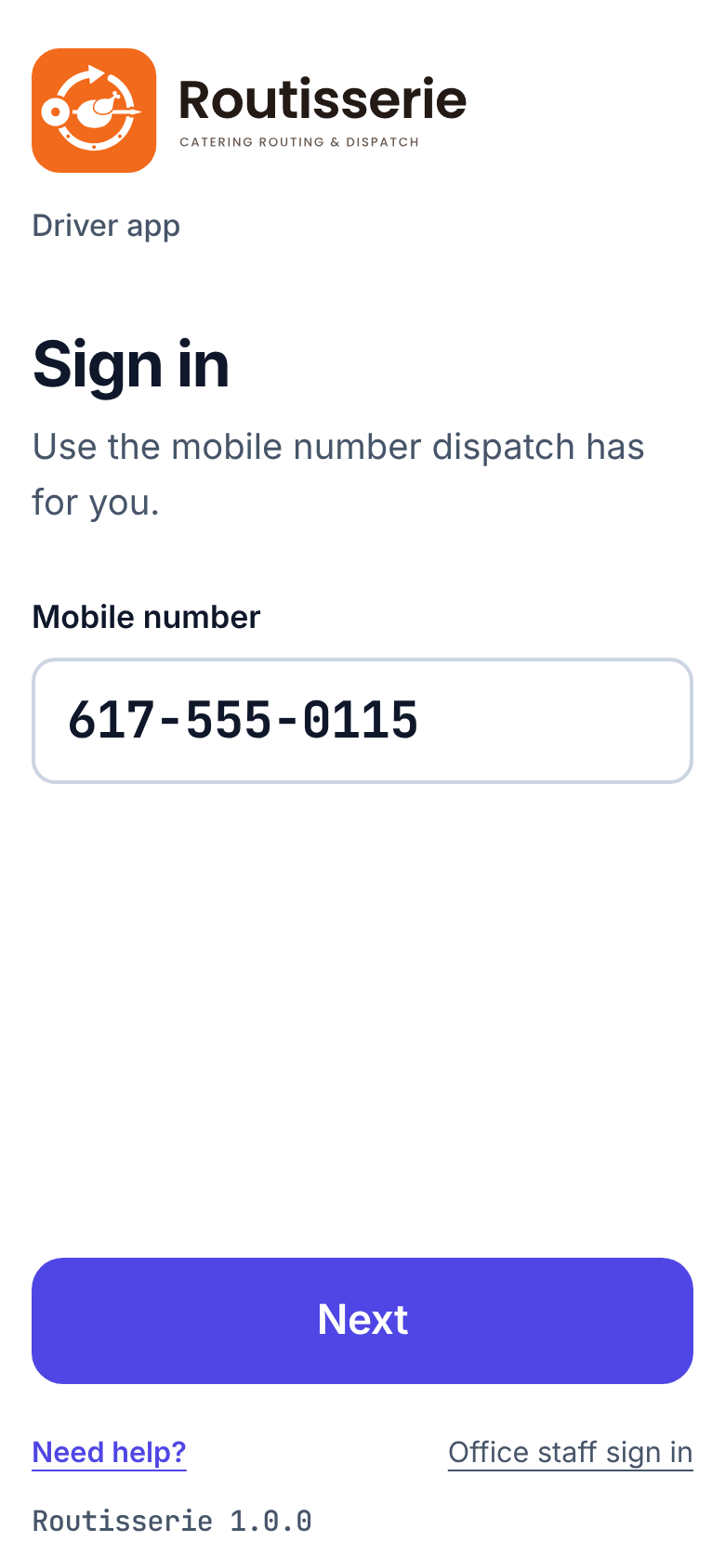
Type your mobile number, tap Next, then your PIN (6 to 8 digits) and Sign in.
2Start trip
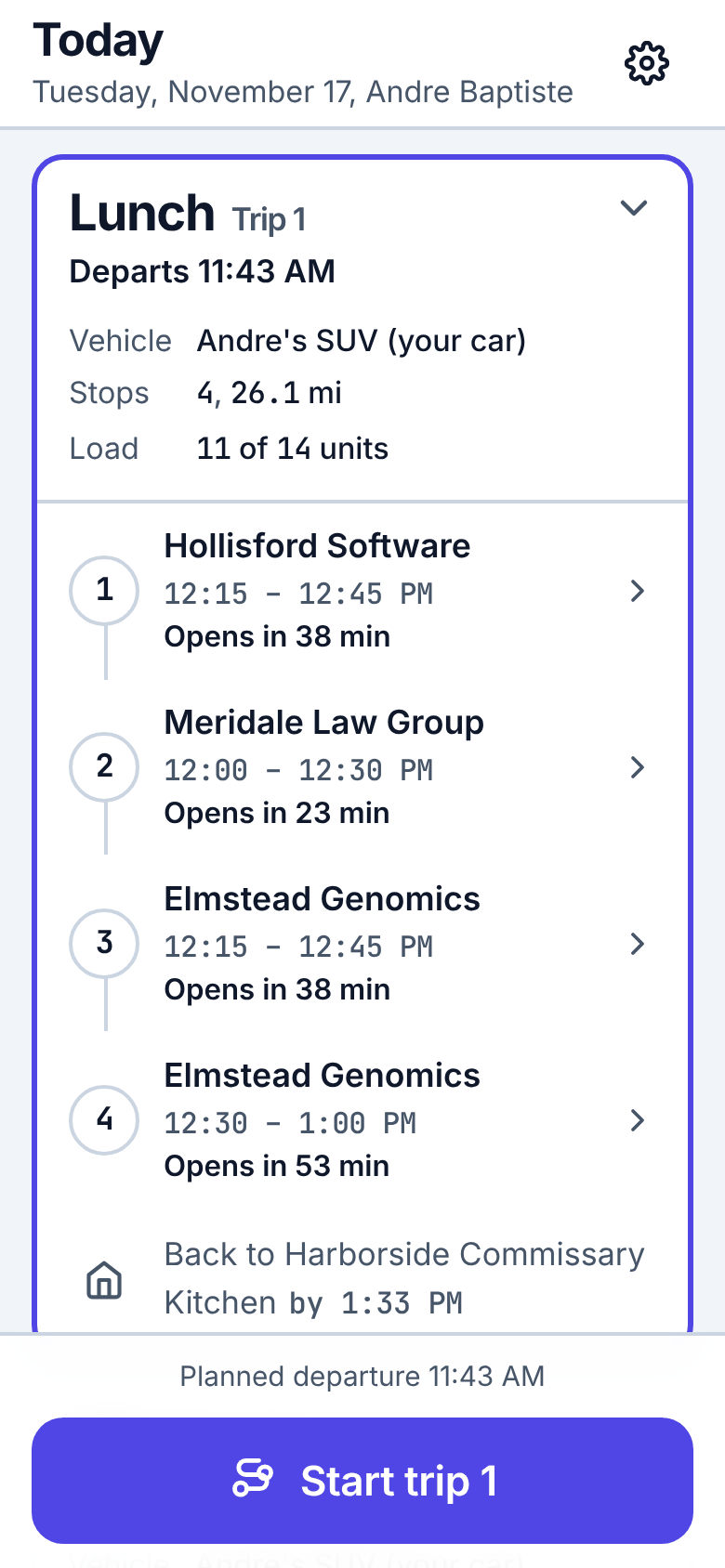
Today shows your trips in order. When the van is loaded, tap Start trip. Allow location when asked.
3Navigate
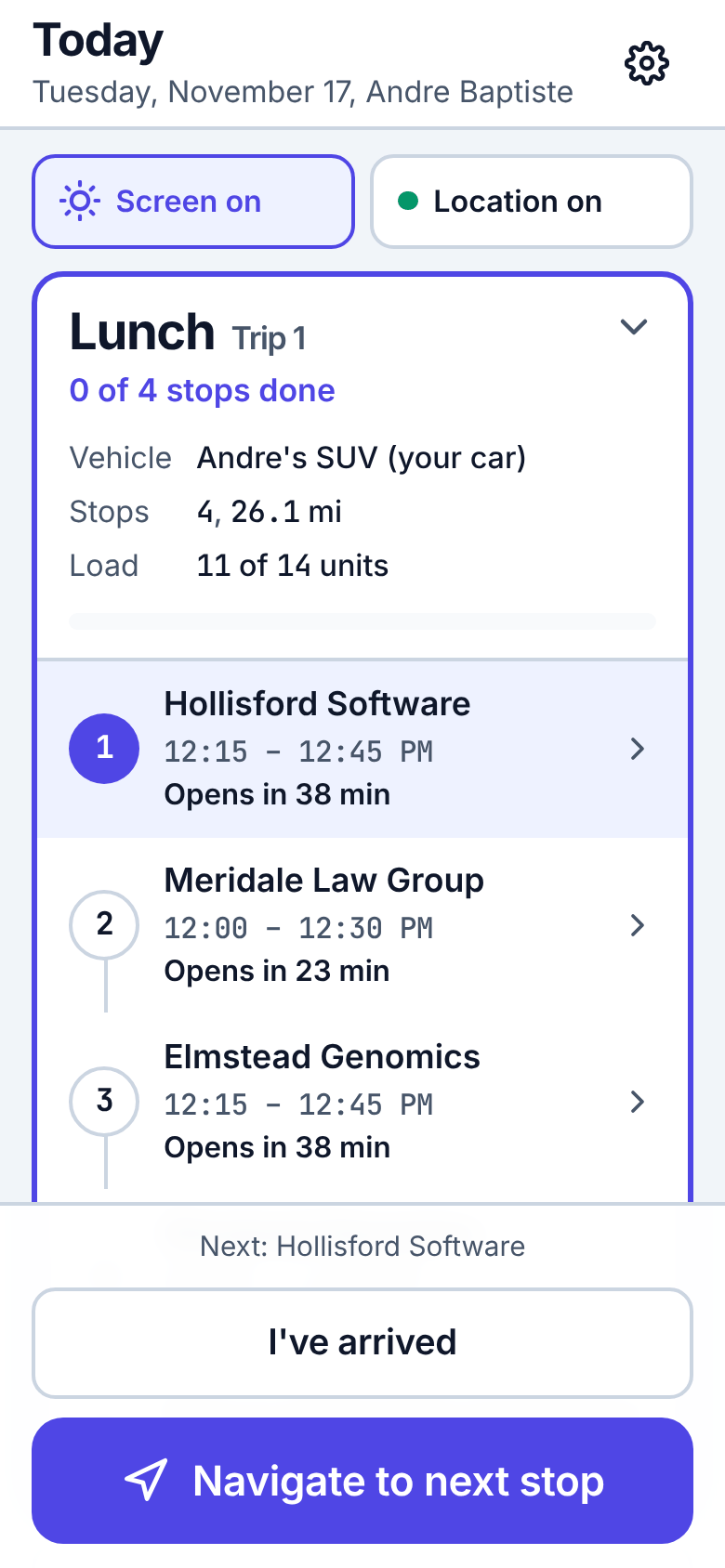
Tap Navigate to next stop. Your maps app opens with the address. Keep Screen on while driving.
4Arrive
At the door, tap I've arrived. The stop shows the window, how to get in and the contact.
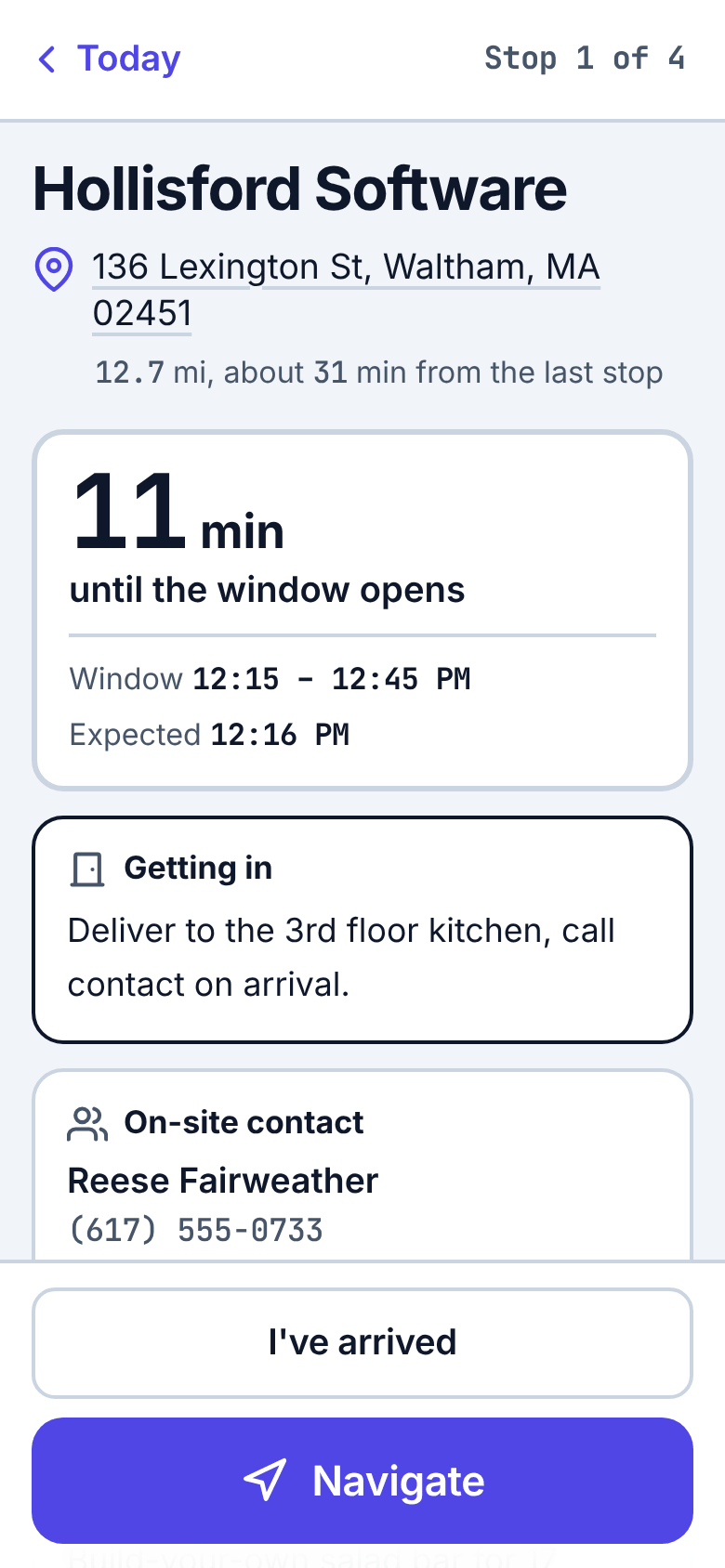
5Complete
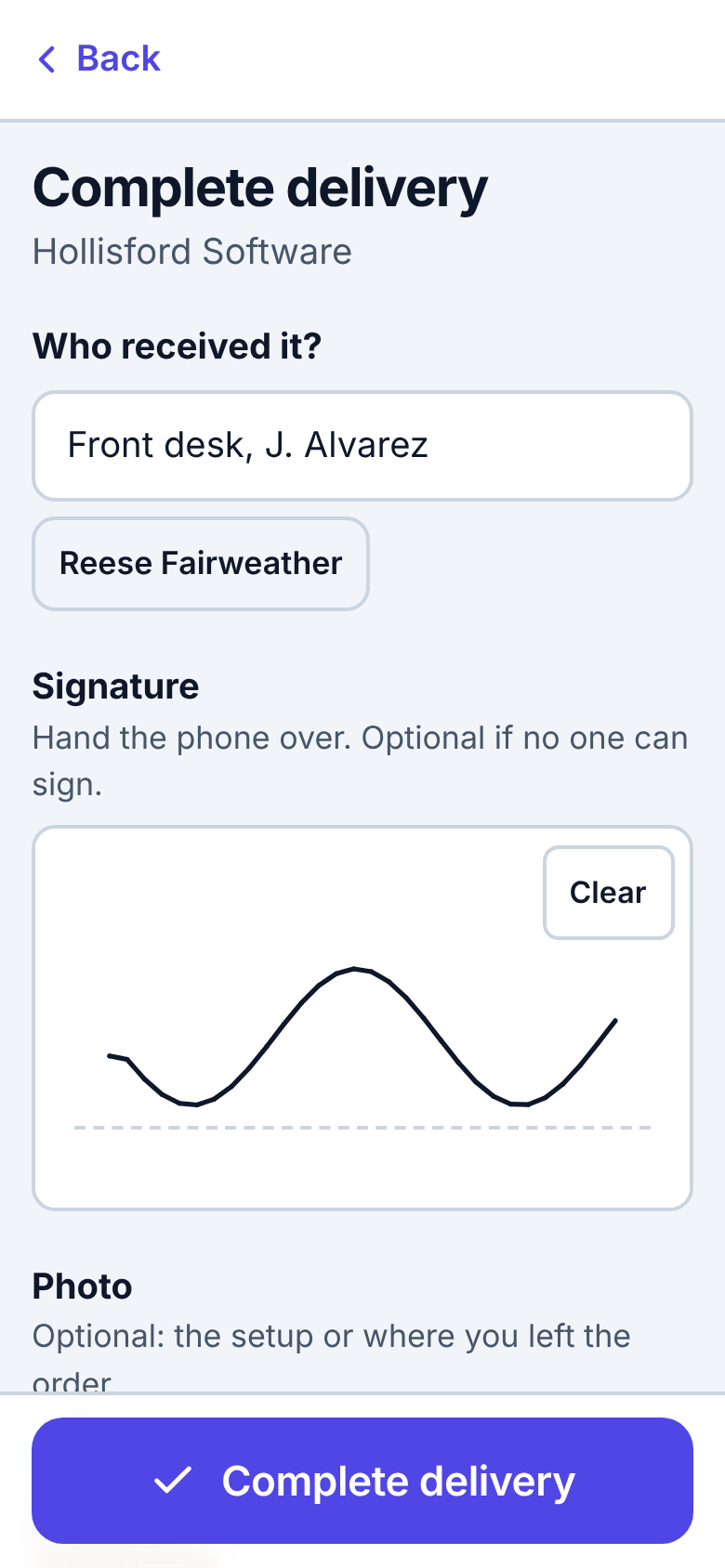
Tap Complete delivery. Add who received it, a signature and a photo if you can, then Complete delivery.
6Can't deliver?
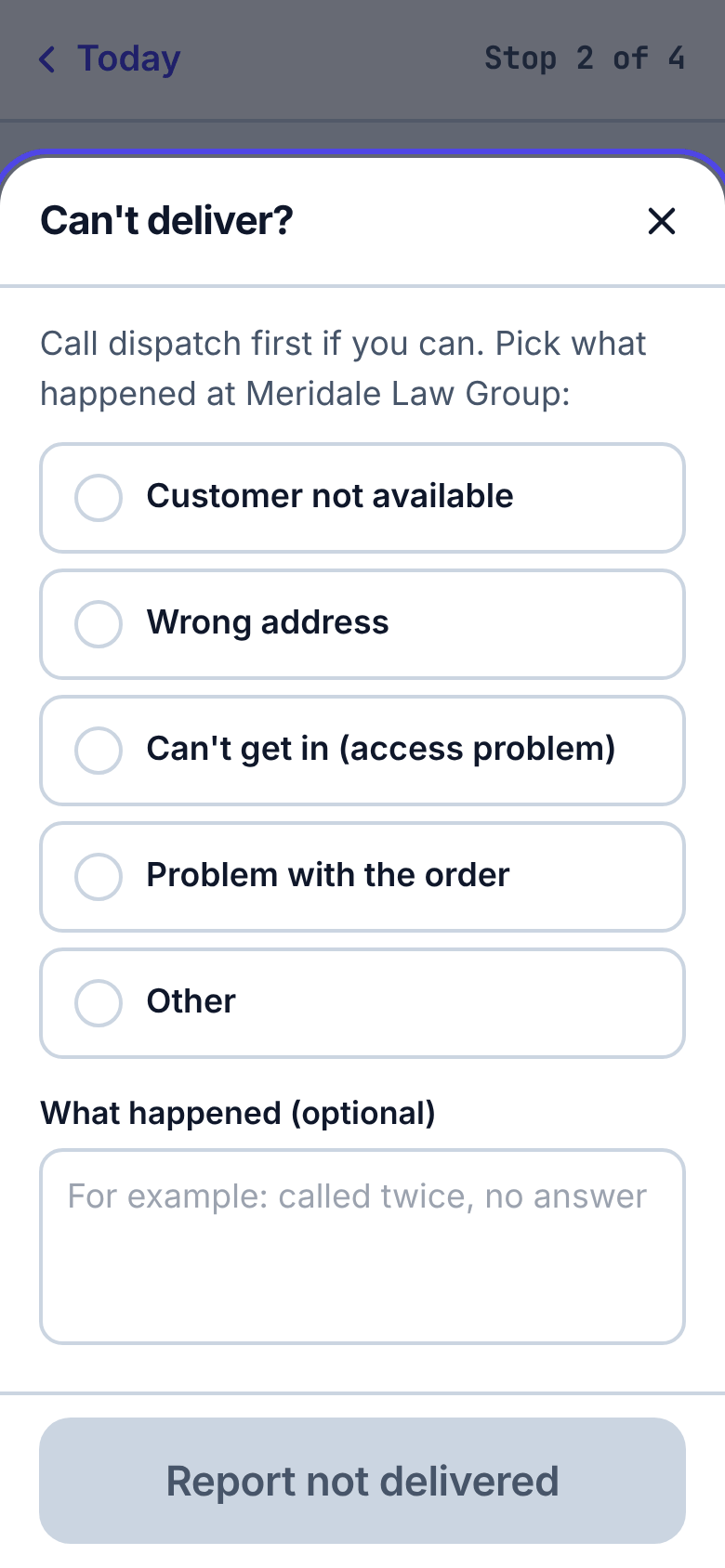
Call dispatch first if you can. Then Can't deliver, pick what happened, and Report not delivered.
7Back at kitchen
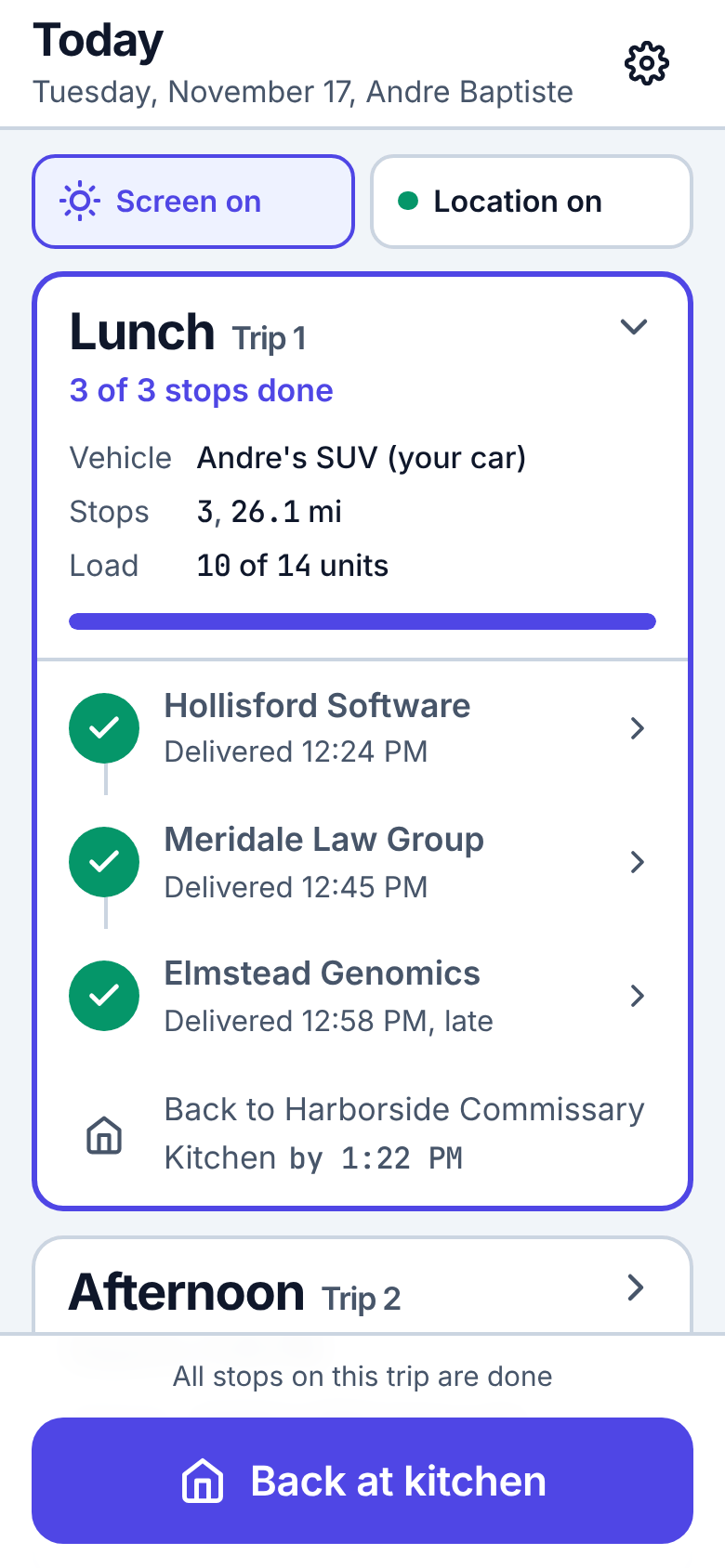
When every stop is done, tap Back at kitchen. Then start your next trip from Today.
8No signal?
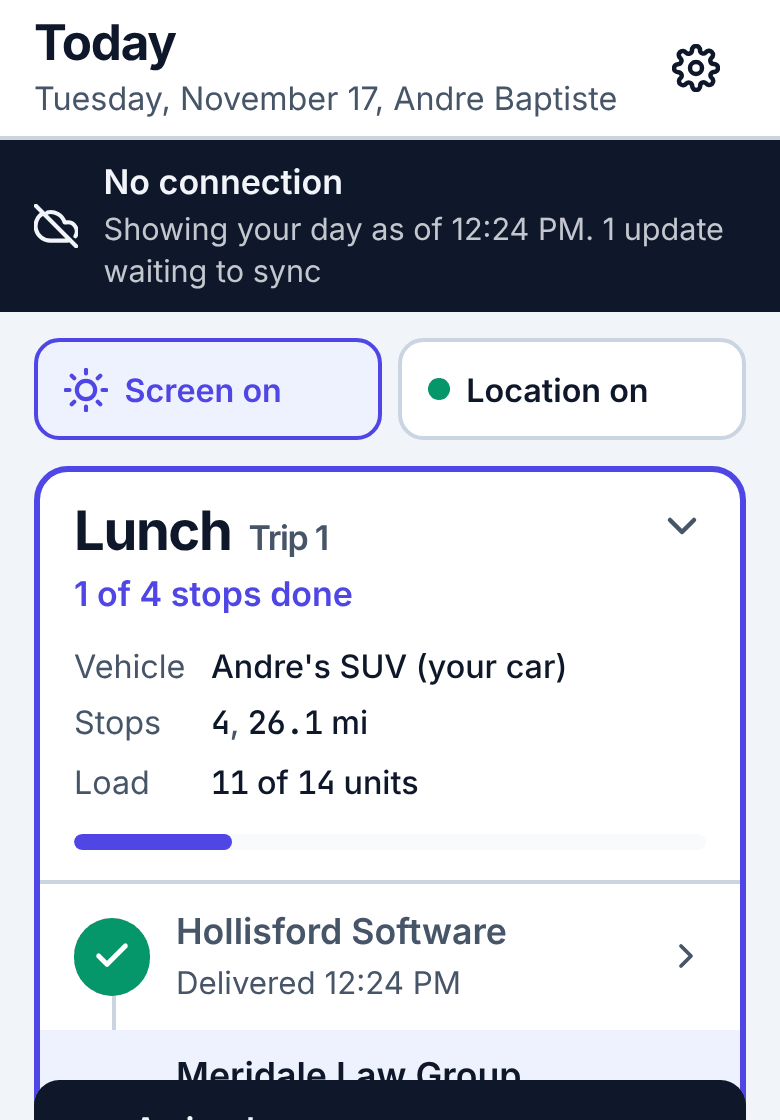
Keep going. Every tap is saved on the phone and sent when the signal comes back. A dark bar says so.
If dispatch changes your route, a blue card says what changed: tap Got it. More help: app.routisserie.com/guide/driver/ · Routisserie User's Guide.
More for drivers
- Installing and signing in, including what to do if the PIN does not work
- Your trips and stops and Delivering
- Route changes and no signal
- Always-on tracking with OwnTracks or Traccar, so dispatch sees you while the phone is locked